Scroll to Comments
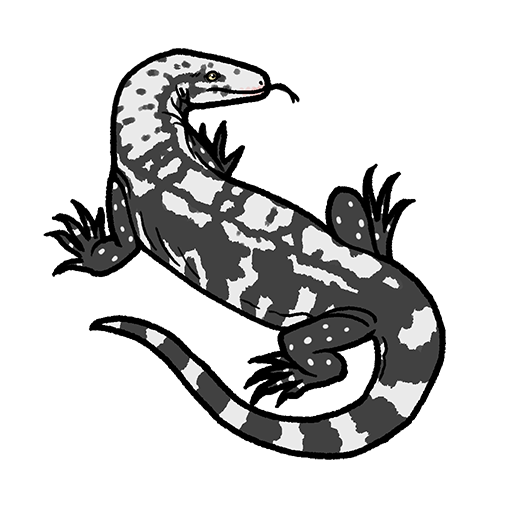
Birch Kai shows up as Thal
Description
Birch kai shows up as thal when looking through the skins in the store
Status
DuplicateAuthor
Fireslafii
Created
Oct 1, 2026 5:52 AM UTCLast Updated
Oct 2, 2026 6:35 PM UTCGeneral Details
Reproduction Rate
100%Reproduction Attempts
3Platform Type
WindowsCategory
Creature Skins and Models
Outcomes
Observed Result
Birch kai shows up as thal
Expected Result
Birch kai shows as birch kai
Steps to Reproduce
1
Open the store
2
Go to the skin tab
3
Scroll until kai skins show up
Environment
Game
Game:
Path of Titans
Branch:
Production
Version:
51027h16
Platform
Type:
Windows
Status
DuplicateAuthor
Fireslafii
Created
Oct 1, 2026 5:52 AM UTCLast Updated
Oct 2, 2026 6:35 PM UTCGeneral Details
Reproduction Rate
100%Reproduction Attempts
3Platform Type
WindowsCategory
Creature Skins and Models
Comments
Please Log in to post or interact with comments.